Microsoft Clarity
Microsoft Clarity shows us what analytics numbers alone can't: how people actually move through a page, where they get stuck, and what makes them give up. Here's what it is, what it's good for, and why it's part of how we improve every site we build.
What is Microsoft Clarity?
Microsoft Clarity is a free user behaviour analytics tool. Instead of just telling you how many people visited a page, it shows you how they used it — heatmaps of where they clicked and scrolled, and session recordings you can watch back like a screen capture of a real visit.
It also automatically flags moments of friction: "rage clicks" (repeated frantic clicking, usually a sign something looks clickable but isn't), "dead clicks" (clicks that do nothing), and quick exits — surfacing the exact moments a visitor got frustrated, without you having to go looking for them.
What Microsoft Clarity is good for
Four ways it turns "visitors are leaving" into "here's exactly why."
Heatmaps
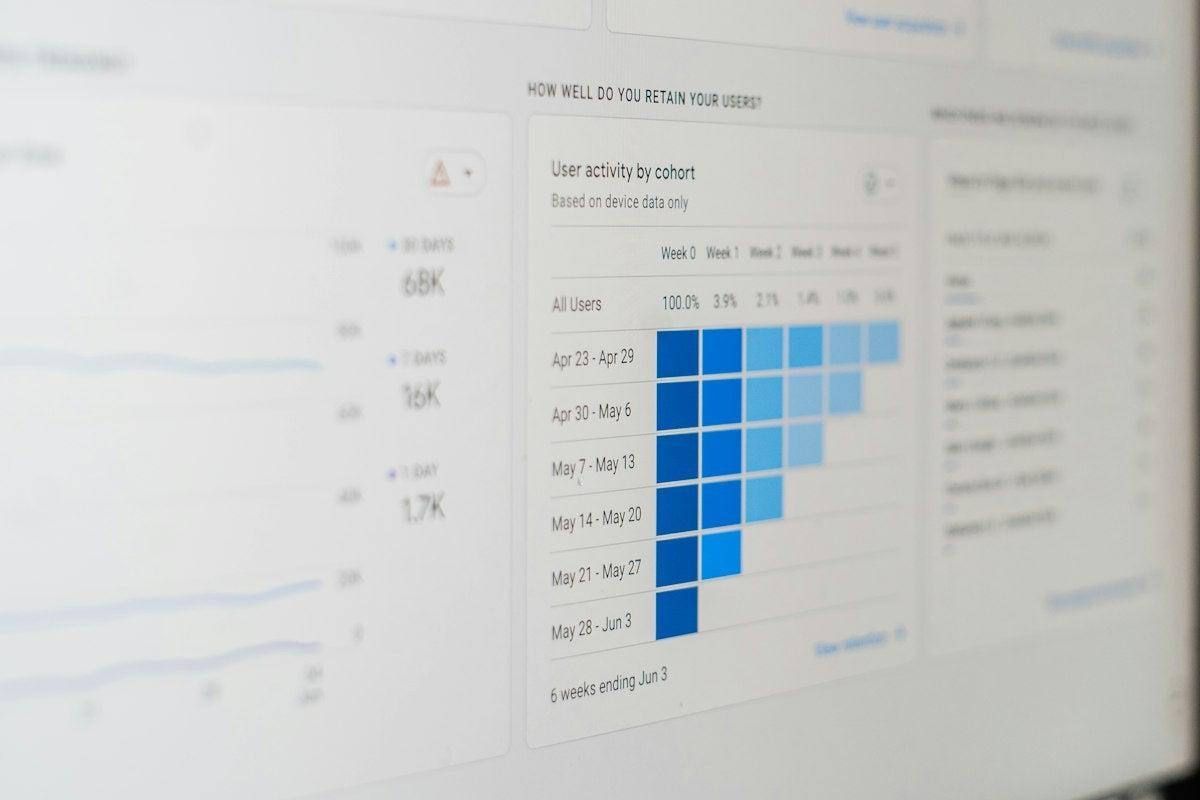
See at a glance where visitors click, tap and scroll on a page — and just as importantly, which parts of the page they never reach at all.
- Click maps
- Scroll depth
- Area attention

Session recordings
Watch anonymised recordings of real visits, so you can see a confusing checkout step or a missed call-to-action exactly as a visitor experienced it.
- Real visitor journeys
- Filter by page or device
- No individual identities shown

Rage & dead click detection
Clarity automatically flags the moments visitors get frustrated — clicking something that isn't clickable, or clicking repeatedly when nothing happens.
- Automatic flagging
- No manual review needed
- Prioritised by frequency

Scroll & mobile behaviour
See how far visitors actually scroll on mobile versus desktop, so key content and calls-to-action get placed where people really look.
- Device comparison
- Scroll depth by page
- Mobile-specific insight
Why GRM Digital uses Microsoft Clarity
Numbers tell you something changed; Clarity tells you why. We use it alongside standard analytics on the sites we build so that when a conversion rate dips, or a new page underperforms, we're not guessing — we can watch what actually happened and fix the real problem.
It's also genuinely free and unlimited, which means we can turn it on for any client without it being a line item, and let it run continuously rather than only during a one-off audit. Combined with GA4 for the numbers and Clarity for the "why," it's one of the more useful low-cost additions to a CRO or UX programme.
Because it's privacy-conscious by design — masking text inputs and sensitive content automatically — we can use it confidently across sites without it becoming a data protection headache.
Feeds a stronger CRO programme
Rage clicks, dead clicks and drop-off points from Clarity are exactly the kind of evidence that turns a hunch into a prioritised test. We use it as a direct input into conversion rate optimisation work — so what we test is based on what visitors actually struggled with, not guesswork.
See our CRO service

Strengthens your Data & Analytics reporting
GA4 tells you what happened; Clarity tells you why. We fold both into the reporting we build, so a dip in conversions comes with an explanation attached rather than just a number that's moved.
See our Data & Analytics service
Common questions about Microsoft Clarity
What clients usually ask before we turn this on for their site.
Yes — it's free and unlimited, with no visitor caps or paid tiers. Microsoft doesn't monetise it directly, which is part of why it's such an easy addition to a site.
Want to see how your visitors actually use your site?
We'll set up Microsoft Clarity alongside your existing analytics and show you what it reveals about where visitors get stuck.